1. The guard raises a request
Visitor name, phone, purpose, the flat being visited, and a photo captured at the gate. Submitted in under twenty seconds on a low-end Android phone.
GatePass replaces the intercom call and the paper register. The guard raises a visitor request at the gate, the resident approves or rejects it on their phone, and the gate acts on a decision that is recorded, timestamped and auditable.
Built for Indian gated communities · Hindi, Bengali and English · DPDP-ready
How it works
No intercom, no shouting across the compound, no register to reconcile later.
Visitor name, phone, purpose, the flat being visited, and a photo captured at the gate. Submitted in under twenty seconds on a low-end Android phone.
Every registered resident of that flat is notified at once, with Approve and Reject right on the notification. The first decision wins and the rest are closed out — no double answers.
The guard's screen updates in real time — approved, rejected, or expired, and which channel resolved it. Entry and exit are marked against the same record.
The part that actually matters
Push notifications get missed. GatePass assumes that and escalates automatically, so the guard always ends up with an answer rather than a shrug.
A high-priority notification to every registered resident of the flat, with Approve and Reject actions, delivered as a time-sensitive alert.
No response yet? Every mapped mobile number gets an SMS with the visitor's name, the gate, the flat, and a link that opens the app or a lightweight approval page.
Still nothing? An automated call to residents in order of priority: “Press 1 to approve, 2 to reject.” The keypress resolves the request.
The moment anyone answers on any channel, everything else stops — in-flight calls to other residents included. Both timings are configurable per society.
The product
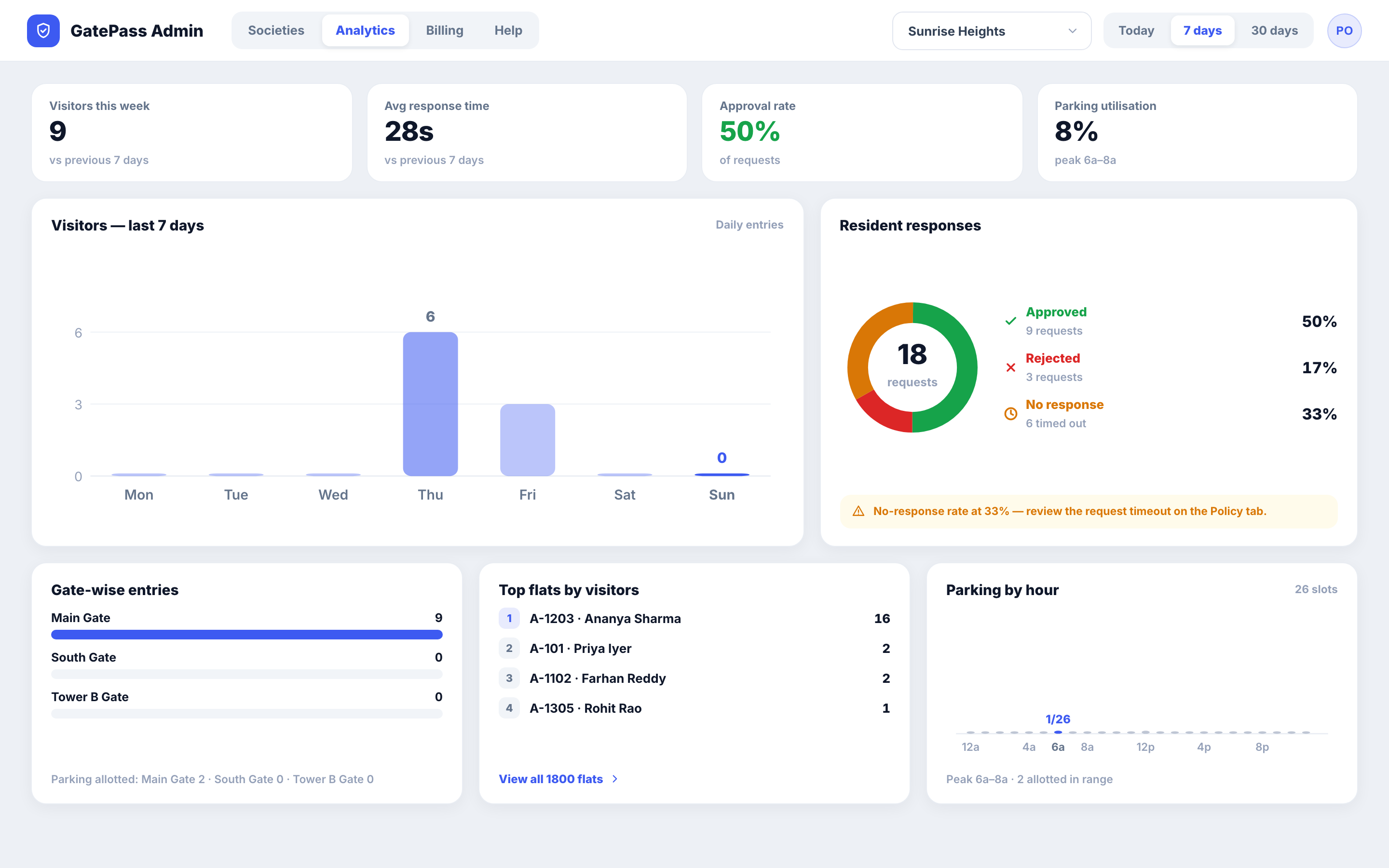
Two mobile apps for the people at the gate and in the flats, a web portal for whoever runs the society, and the platform underneath.
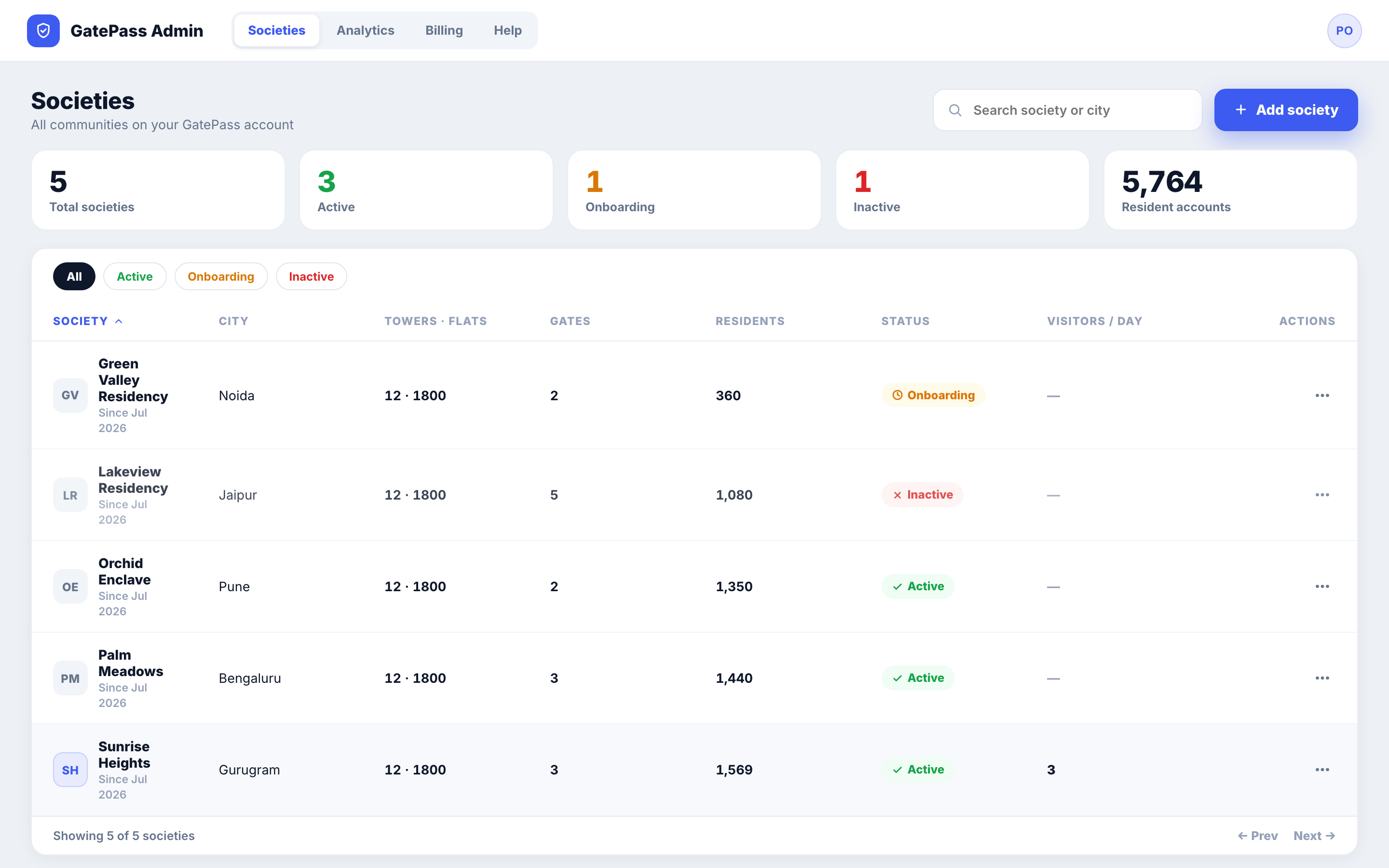
Set the society up once and keep it current: towers and flats, gates and the devices allowed to use them, guards and gate managers, visitor parking inventory, and the policy timings that drive the escalation ladder.
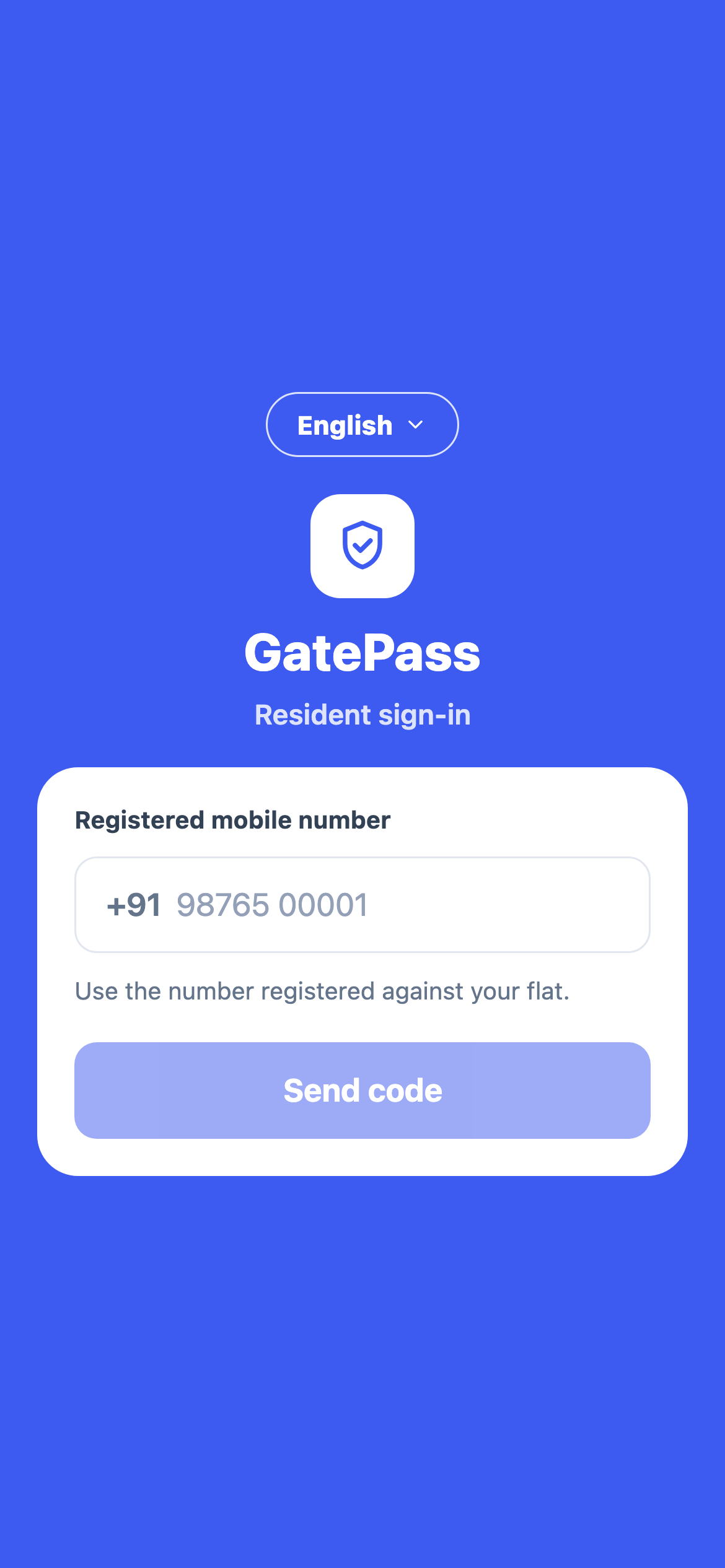
Sign in with the mobile number registered against the flat — no password to forget, no account to create. Approve or reject from the notification, check who visited while you were out, and manage the household.
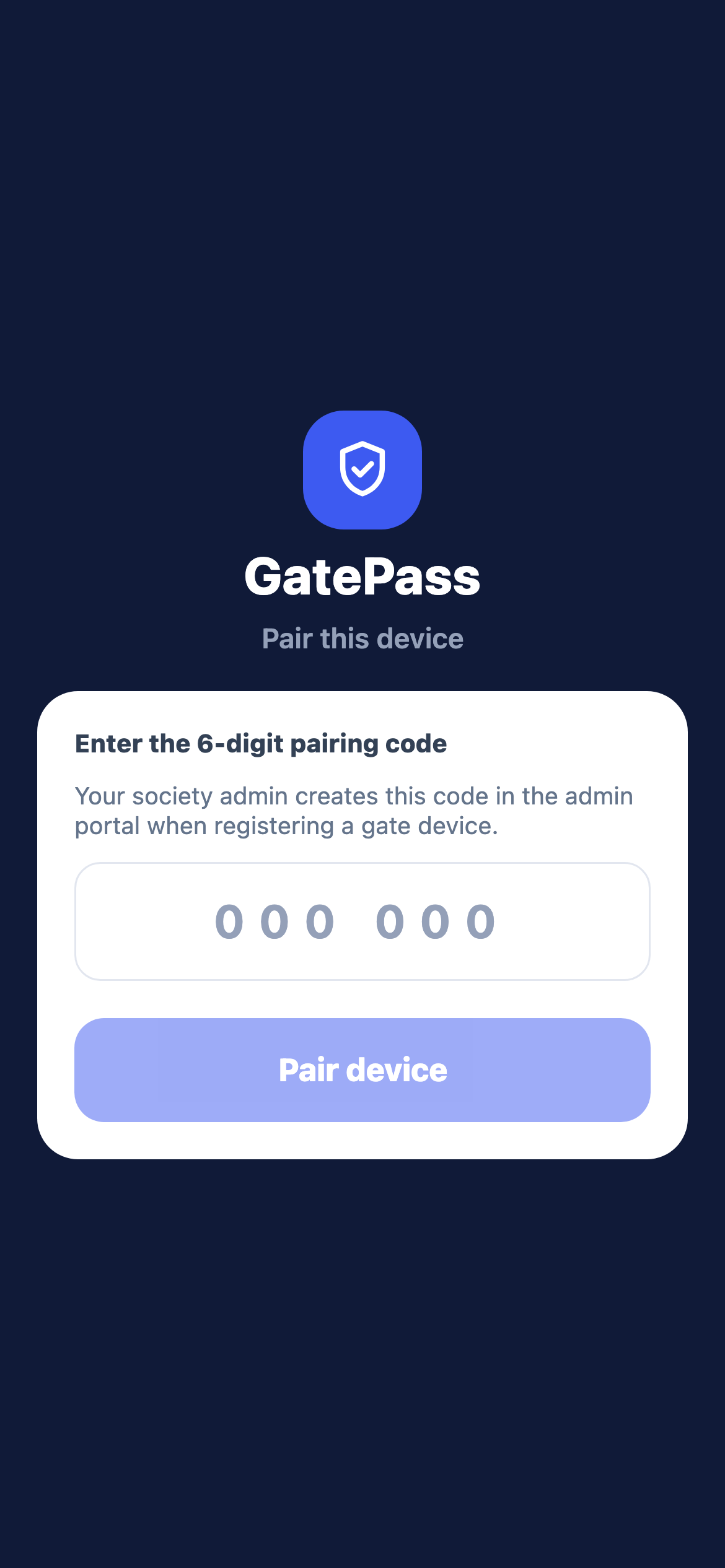
Built for the phone that is actually at the gate: a low-end Android, on patchy Wi-Fi, used by someone standing up. Raising a request is the first thing on the screen.
Visitor parking
The guard raises a parking request with the vehicle number; the gate manager sees live availability and allots a specific slot or rejects with a reason.
Configure the slots you actually have — Basement-1, Surface, whatever they are called on the ground — with real labels.
A slot stays occupied until the guard marks the visitor out, or a manager releases it. The occupancy view is live.
If the manager doesn't answer, the request goes to every manager in the society; society policy decides whether to auto-allot.
Security & privacy
Photographs of people at your gate, residents' phone numbers, and a record of who visited whom. All of it is designed against India's DPDP Act 2023.
Visitor logs and photos age out on a configurable schedule — the defaults keep photos far less time than the log. Expired photos are erased from object storage, not just unlinked from a row.
Visitor images live in private object storage and are only ever served through short-lived signed URLs. There is no public bucket and no guessable path.
Every role check runs on the server. A resident can only ever see and decide for their own flat; a guard can only act on their own gate.
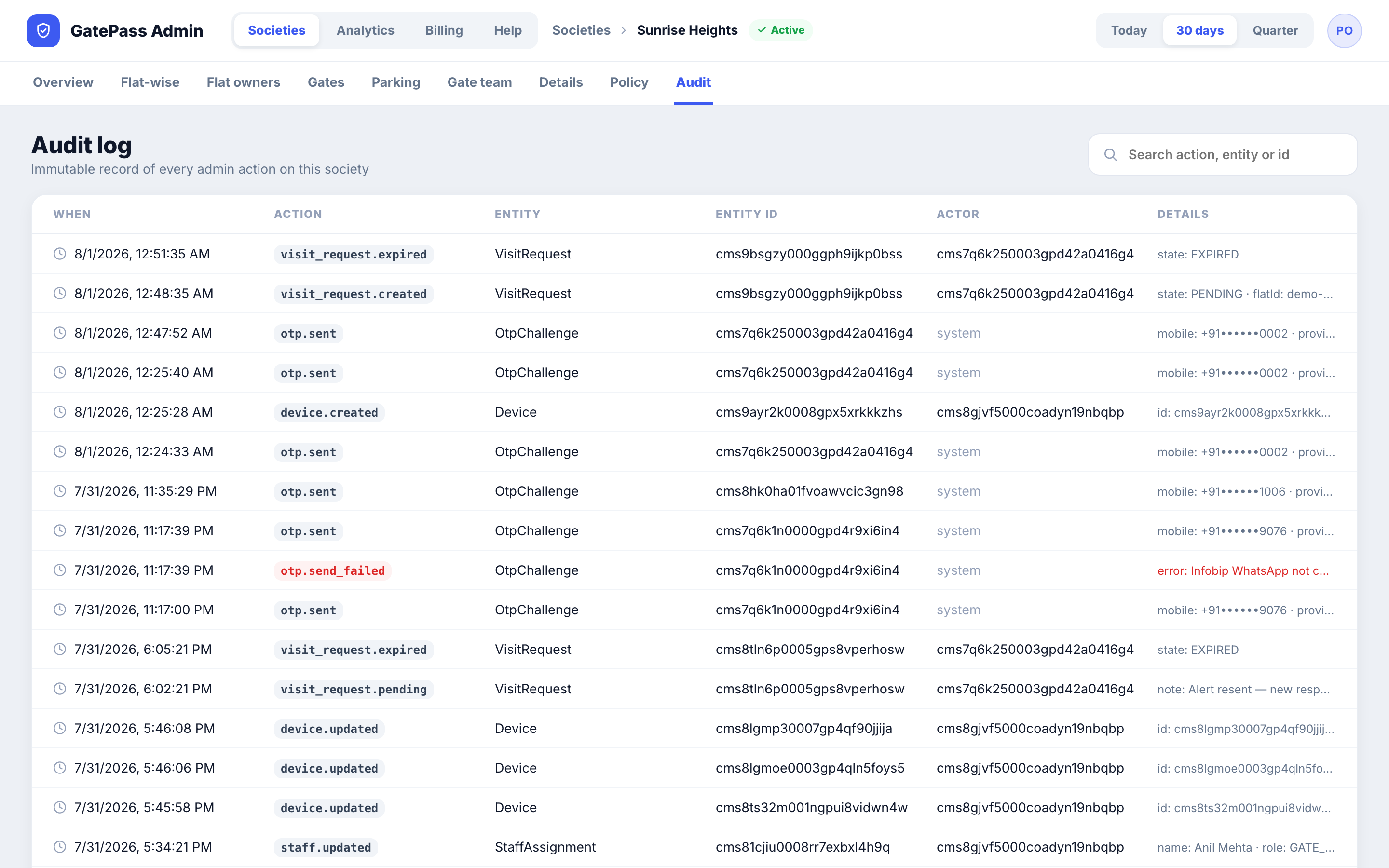
Entries, exits, approvals, rejections and admin changes are all written to an audit store with synchronised timestamps, and can be exported.
We are onboarding our first communities now and working closely with each one. Tell us how many towers, flats and gates you have and we'll set up a walkthrough.
Questions
After push, SMS and the automated call have all gone unanswered, the request expires rather than defaulting to approved. The guard sees that clearly and falls back to whatever the society's standing instruction is. GatePass will never fabricate an approval — including in the guard app when it is offline.
No. The society admin maps flats to mobile numbers — by CSV or in the portal — and the resident signs in with that number and a one-time code. There is no password and no signup form.
The guard app keeps working read-only and queues anything it needs to write, with a clear connectivity indicator so the guard knows what state they are in. Queued actions are sent when the connection returns.
English, Hindi and Bengali, selectable on the sign-in screen of both apps. The in-app help manuals are translated too, not just the interface labels.
Yes — every registered member of the household is notified, and you can set the order in which they are called during voice escalation. The first decision is the one that counts; the others are closed out automatically so a visitor can't be approved and rejected at once.
GatePass is at the start of its life. The platform is built and we are onboarding our first societies hands-on, which means early communities get a direct line to the people building it. Pricing is not published yet — talk to us.